
Block Craft 3D:Building Game review
 Analysis by GetAllApps
I find Block Craft 3D: Building Game works best as a relaxed creative game that can be passed around a household, rather than as a competition everyone has to keep up with. One person can sketch out a small home, another can add streets or scenery, and someone else can simply explore what has been made. That easygoing rhythm is its main appeal: it gives players a shared subject to talk about without demanding a long session or advanced gaming skills.
Making a shared world feel personal
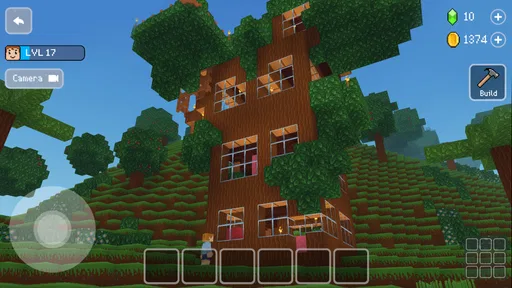
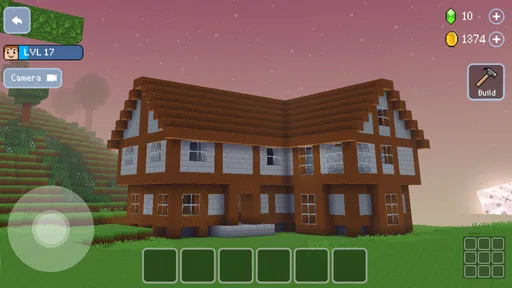
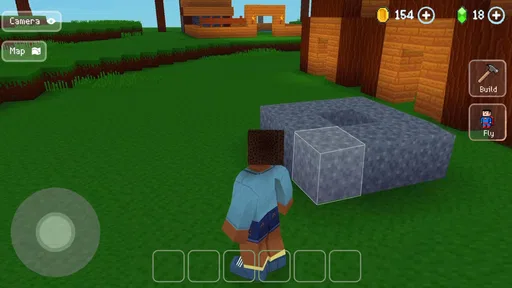
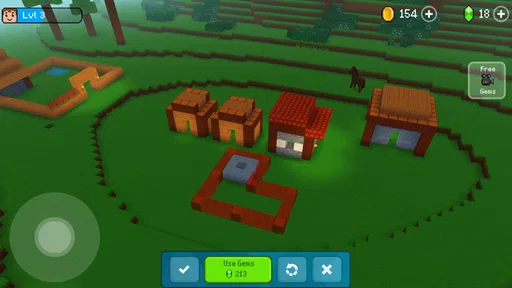
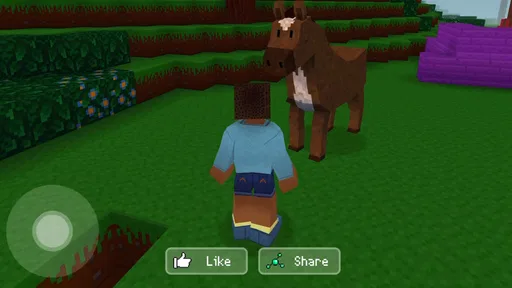
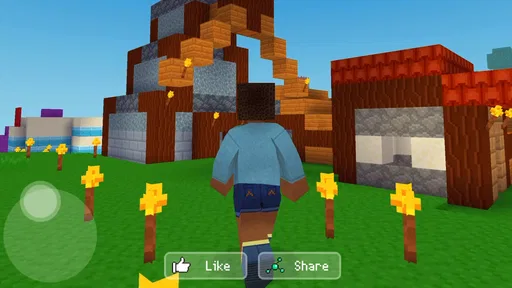
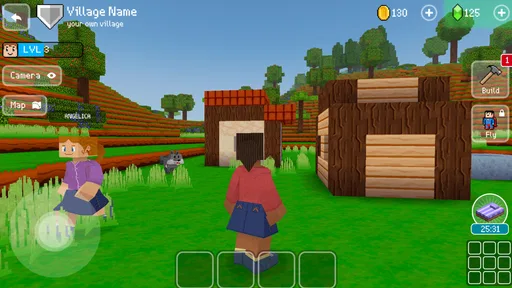
At its heart, this is a 3D city-building game from Wildlife Studios. Its block-based look makes the building idea immediately legible: you shape a place one piece at a time, then judge it from the outside as a whole. I like that the basic creative goal is easy to explain to a new player. “Let’s make a house” or “What should go beside this building?” is enough to get started.
On a shared device, that clarity is useful. A younger player can focus on choosing what to build, while an older one can help turn a loose idea into a more deliberate layout. I would agree on a simple handoff before passing the device around: decide which part of the town is open for changes, and ask before replacing someone else’s work. That is not a game feature; it is a practical way to keep a cooperative session friendly when several people care about the same creation.
The game is listed as free, so trying it does not require an upfront purchase. It does include optional in-app purchases, with items priced from $0.99 to $119.99. That wide range is worth keeping in mind before a child plays on a device with a payment method attached. I would treat purchases as an adult decision and check the device’s purchase safeguards rather than assuming the game itself will settle household spending rules.
Good for short creative visits, not just long builds
A realistic use case is a quiet stretch after school or while waiting for dinner: one person adds a small detail, then leaves the town ready for someone else to continue later. The appeal is less about racing toward a finish line and more about having a visible project that can grow in small steps. If your household enjoys drawing together, making up stories, or rearranging things just to see how they look, that creative impulse translates naturally here.
A useful approach is to agree on a theme before building. A “quiet neighborhood” or “busy town center” gives everyone a shared direction while still leaving room for individual choices. It also makes handoffs smoother: the next player can add something that fits instead of guessing what the previous person intended. For players who prefer to work alone, the same idea helps prevent aimless building by giving each session a small target.
I would not expect this to replace a detailed city-management simulation. Its draw is approachable construction, not the kind of dense planning where every road, budget, and service must be optimized. If the fun for you is solving layered economic problems, a more systems-heavy builder is likely a better match. If you mainly want to make a place that looks and feels like your own, the lighter approach is a strength.
Agree on boundaries before sharing a device
When several people use one phone or tablet, the device itself can become the source of friction. Decide whose turn it is, whether players may alter an existing build, and whether anyone can make purchases before opening the game. Those small agreements matter more than elaborate rules: a shared creative project feels enjoyable only while everyone trusts that their contribution will still be there when they return.
I also recommend keeping the device’s general account boundaries in mind. A game session on a household device may sit alongside other apps, saved accounts, or payment settings, so adults should handle those device-level choices separately. I would not rely on a child understanding the difference between building freely and making a paid choice. A quick adult check before handing over the screen is a sensible habit, especially if multiple family members use the same app store account.
For smoother coordination, give each person a manageable task rather than letting everyone change the same area at once. One player might focus on a building, another on the space around it, and a third can review the overall look before the next round. This is not a formal team mode; it is simply a way to make shared play feel intentional. It also reduces the chance that two people spend their turn undoing each other’s choices.
There is a trade-off here. A common device makes it easy to take turns, but it can blur who made which decision and who is responsible for a purchase or change. If your household wants separate personal spaces or strict boundaries between players, a shared-device setup may not suit that goal. I would choose a different arrangement rather than assume the game will provide account separation or household management tools.
Age context and a sensible level of trust
The game carries an Everyone age rating, which makes it broadly approachable for a mixed-age audience. That rating can help parents make an initial decision, but I still think age suitability depends on the child and the household’s rules. A younger player may enjoy the visual building but need help with device navigation and purchase decisions; an older player may want more freedom to plan and refine a town independently.
For a first session, I would sit nearby long enough to see how the child approaches the game and whether the interface feels comfortable. Then you can decide whether they can play independently, need occasional help, or should use the device only with an adult present. That is more useful than assuming one age label answers every question. It also gives you a natural chance to explain that optional purchases use real money and require permission.
The game’s large audience is another point of context: it has over 500 million installs and an average rating of 4.5 from around 3.1 million ratings, alongside roughly 77,000 written reviews. Those figures suggest that many players have found the basic concept appealing, but they do not guarantee that every child or adult will enjoy its pace. I would use them as background, not as a substitute for trying a short session together.
What to expect from the building experience
The most satisfying way to approach a block-based builder is to think in shapes before details. I would start with a simple footprint for a house or public building, then step back and consider how it sits in the surrounding space. That small pause can prevent a familiar frustration: spending time decorating something that feels awkwardly placed once the rest of the area takes shape.
Another practical tip is to build landmarks first. A distinctive structure gives the town a visual anchor, making later additions easier to arrange around it. This is especially helpful when several people contribute, because everyone can see which areas are already established and where a new idea might fit. It is a creative workflow rather than a hidden feature, but it makes shared projects feel more coherent.
Keep expectations modest when playing in brief bursts. A large city is a long-running project, and a single short visit may only produce a small change. That is not necessarily a problem; it can make the game a good fit for casual downtime. But if you want a fast sequence of challenges, clear rounds, or a strong sense of completion every time you pick up the device, this style of play may feel too open-ended.
In the arcade category, Block Craft 3D sits on the creative, low-pressure end rather than emphasizing quick reactions. Compared with an action-focused arcade game, it gives you more room to decide what to do and less reason to hurry. Compared with a more intricate construction simulator, it is easier to share with a newcomer but offers a simpler kind of planning. That middle ground is its clearest identity: accessible building with enough freedom to make a town feel personal.
Who should choose it, and who may prefer something else
I would recommend it to families and friends who like taking turns on a creative project, to casual players who want an easy way to make a virtual place, and to anyone who finds open-ended building more appealing than timed objectives. It can also work well for a child and adult to play side by side, provided the adult sets purchase boundaries and the players agree on how to treat shared work.
I would skip it if you need a demanding strategy game, a structured campaign, or a clearly separated profile for every household member. It is also a less natural fit for people who dislike revisiting a project in small increments. If you mainly want a quick, score-driven arcade session, choose a game built around short rounds; if you want deep urban planning, look for a simulator with more emphasis on managing complex systems.
Block Craft 3D is free to download, rated for Everyone, and has been available since August 24, 2016. Its current version is 4.9.1, and it requires Android 7.0 or later on Android devices. I would still check that a particular device meets the requirement before planning a shared session, and remember that optional purchases are separate from the free download.
A household verdict based on how you share
For a household, the game’s strongest quality is that its central activity is easy to understand and easy to discuss. You can make a small addition, explain why you placed it there, and let the next person respond with their own idea. That can turn a few spare minutes into a pleasant collaborative ritual without asking everyone to play at the same level.
My recommendation comes with two practical conditions: keep spending under adult control, and set a simple rule for changing shared builds. With those boundaries in place, Block Craft 3D: Building Game is a welcoming pick for casual construction and imaginative turn-taking. It is not the right choice for every player, but for a family or group that enjoys making a town together at its own pace, I think it offers a genuinely appealing place to start.
Pros and cons
Pros
- Intuitive touch controls make placing blocks easy for new players.
- Creative mode lets players build without survival pressure.
- A range of block types supports varied building styles.
- Offline play is available for building on the go.
- Visiting other players' creations offers fresh design ideas.
Cons
- Large builds can take considerable time to complete.
- Some items and features require in-game currency.
- Frequent ads may interrupt the building experience.
- Limited block choices can constrain detailed designs.
- Performance may slow down on older devices.


